ir.ir.ropert.xyz
Everything in one place.One workspace: AI, search, mail and notes
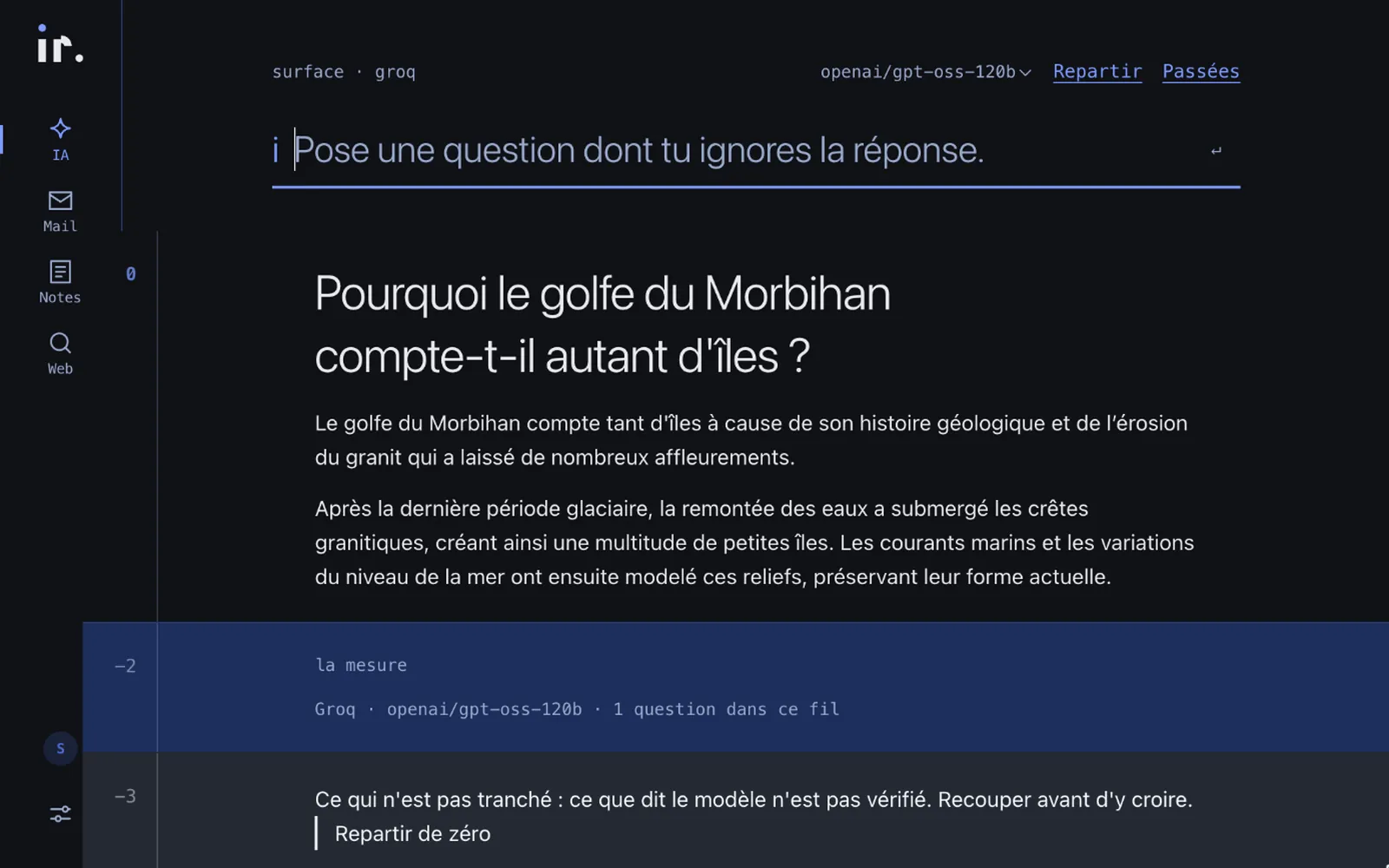
Search, mail, notes, AI: our days scatter across ten tools. ir. brings them into one clean, fast workspace. The first version opens with the AI assistant; the rest arrives release by release.
Why does our attention scatter?
One tab to search, another for mail, a third for a note, a fourth to ask an AI: every switch from one tool to another costs a little attention. By the end of the day, we’ve clicked a lot and moved little.
ir. starts from that repeated gesture: switching tools. The idea is to keep everything in one place. For everyday life, that’s the role of Gus.
What does ir. actually change?
Before
An ordinary morning
- A question typed into a search engine, then into an AI.
- The answer pasted into a note, somewhere else.
- The thread lost at the first incoming email.
After
The same morning, in ir.
- The question is asked once.
- The answer comes short, then in detail.
- It stays in its thread, ready to pick up again.
How does ir. work?
- Step 01
Ask a question
One single input, by keyboard or by voice.
The AI assistant: a short answer, then the detail - Step 02
Read the answer
The assistant answers briefly, then expands if needed.
- Step 03
Keep the thread
Every exchange is kept and can be picked up again.
- Step 04
Open the doors
Shortcuts to your usual sources, from the same place.
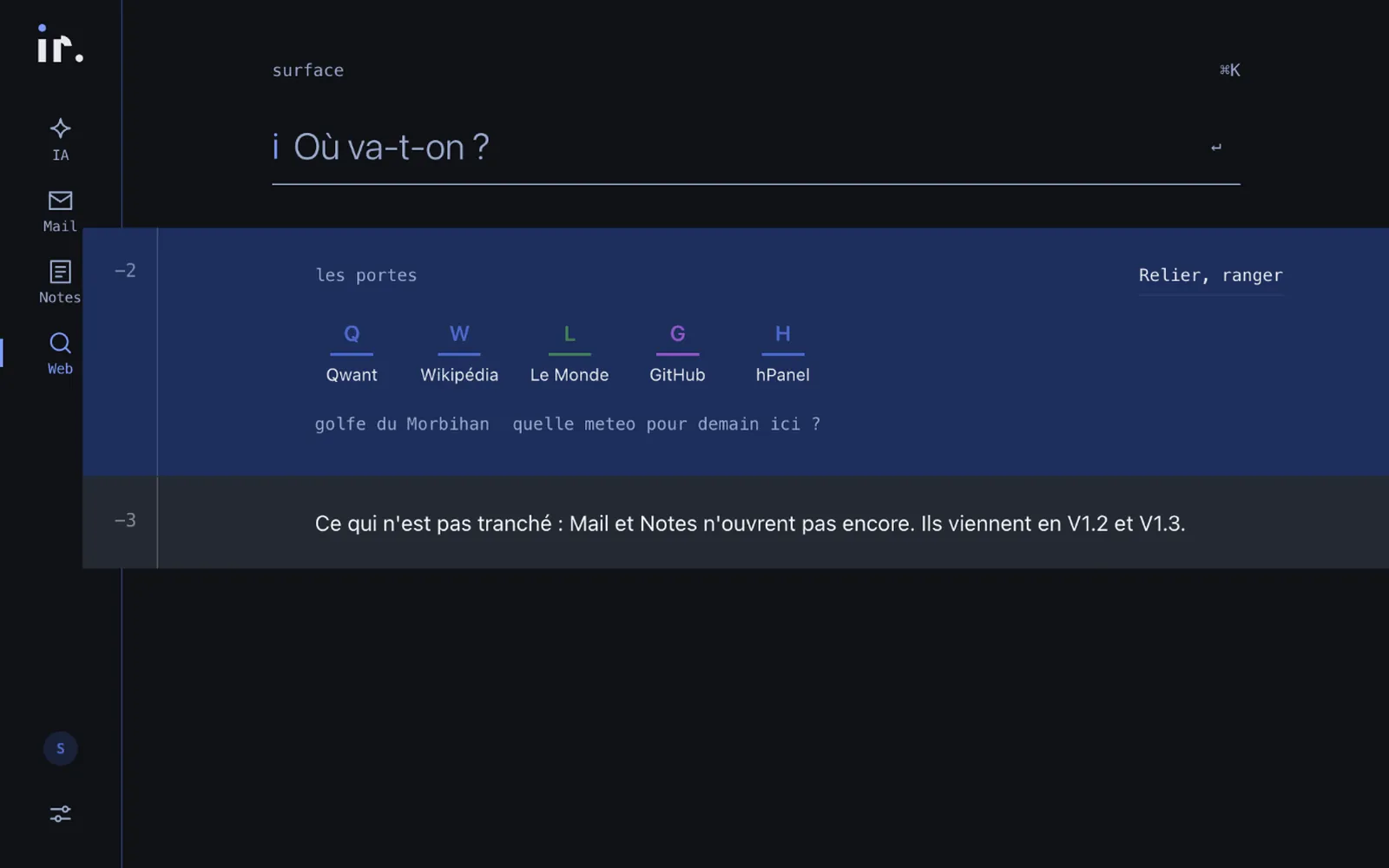
The workspace and its shortcuts
How does ir. handle a question?
Everything starts from one surface. The question is asked, the answer arrives in two beats — the essentials first, the detail next — then it joins your working thread.
ir. also reminds you what is unsettled: an AI answer should be cross-checked before you rely on it.
What’s under the hood?
Hosted on our server
ir. runs on our own infrastructure.
An AI assistant, live
It answers briefly, then expands; the model in use is shown.
Multi-user
Everyone has their own space and threads.
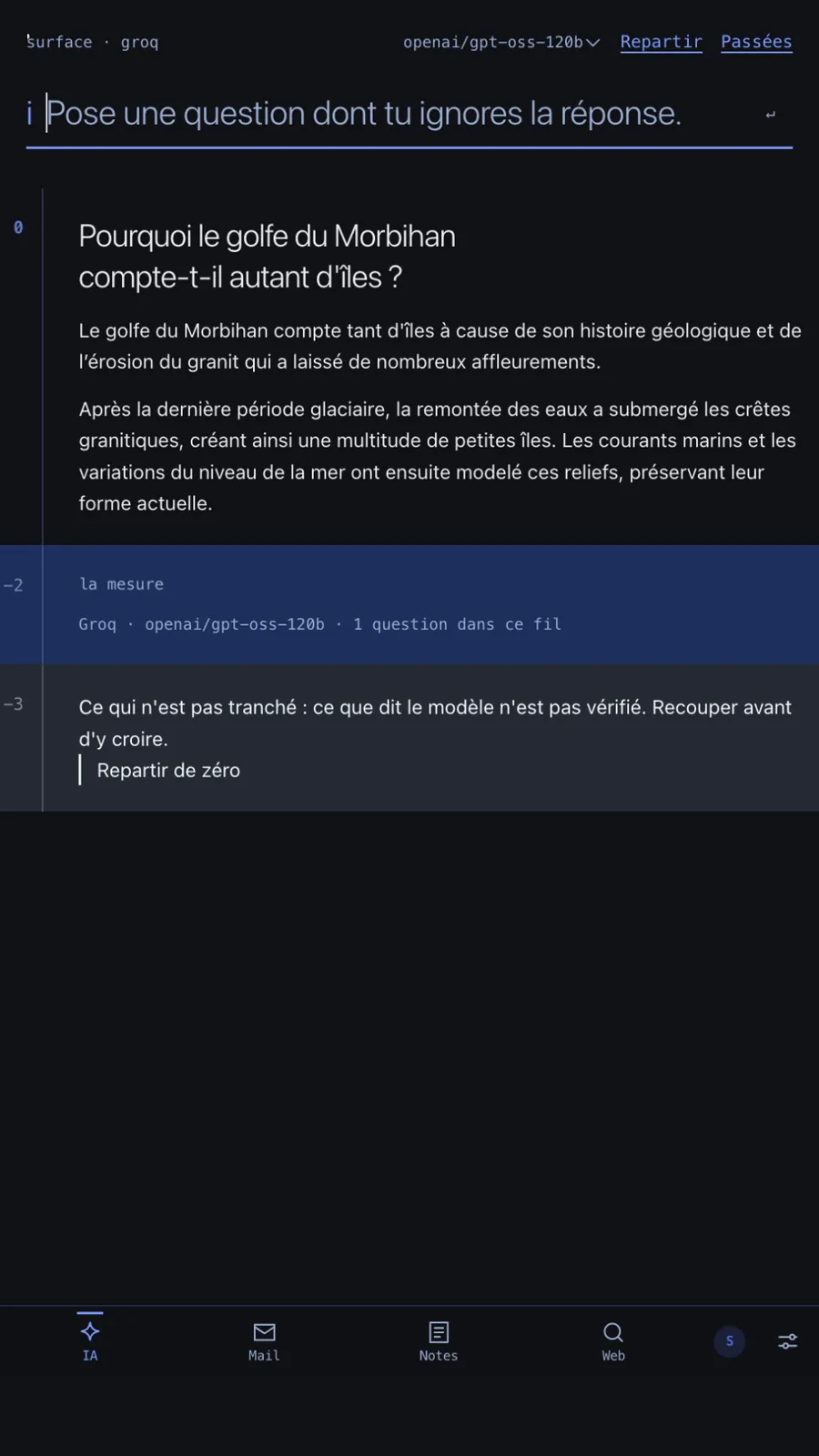
Desktop and mobile
The same interface, designed for both.
An open roadmap
Search, mail and notes arrive in successive releases.
Where does ir. stand?
Live now
- AI assistant
- Saved working threads
- Desktop and mobile
Coming next
- Built-in search
- Notes with live dictation
What does ir. look like?
ir. FAQ
What is ir. today?
A workspace whose first version offers an AI assistant. Search, mail and notes arrive in the next releases.
Where is the data hosted?
ir. is hosted on our own server.
Can I use it on my phone?
Yes, the interface is designed for desktop and mobile alike.
Can I trust the AI’s answers?
ir. says so with every answer: what the model says is not verified and should be cross-checked.
How do I get access?
ir. is invitation-only. Write to the studio to request access.